What Mantis Can Do
Omnidirectional Movement
Mantis has four mecanum wheels, which grant it the ability to move forward, backward, sideways, and rotate on the spot. This omnidirectional movement allows it to navigate tight spaces and complex environments with ease. Mecanum wheels work best on surfaces that are not too smooth, nor too uneven.
For precise control, the speed can be adjusted in real time between 10% and 100% of the maximum velocity using the controller. This affects all form of movement, including autonomous navigation and arm speed.
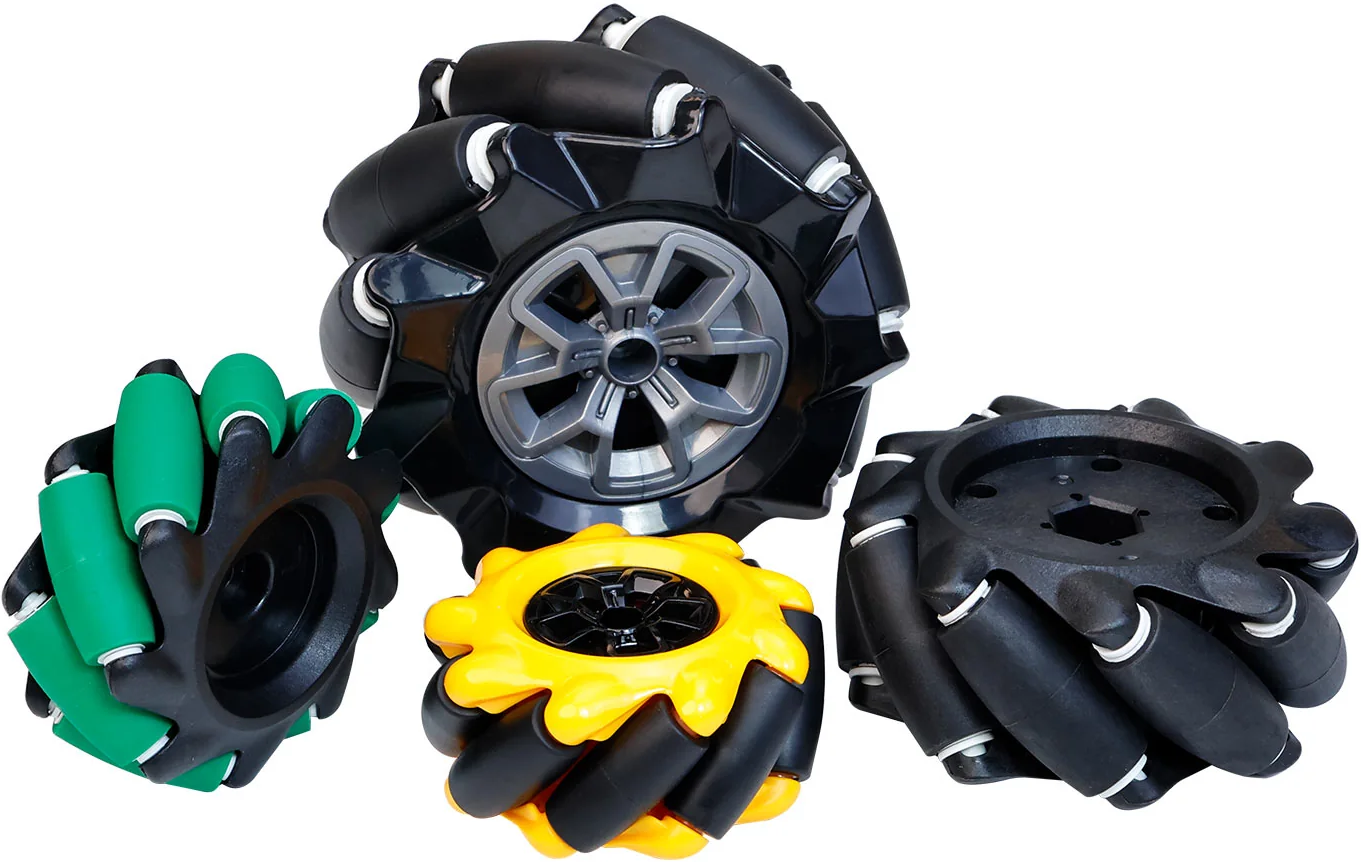
Mecanum wheels
Change max speed
Robotic Arm
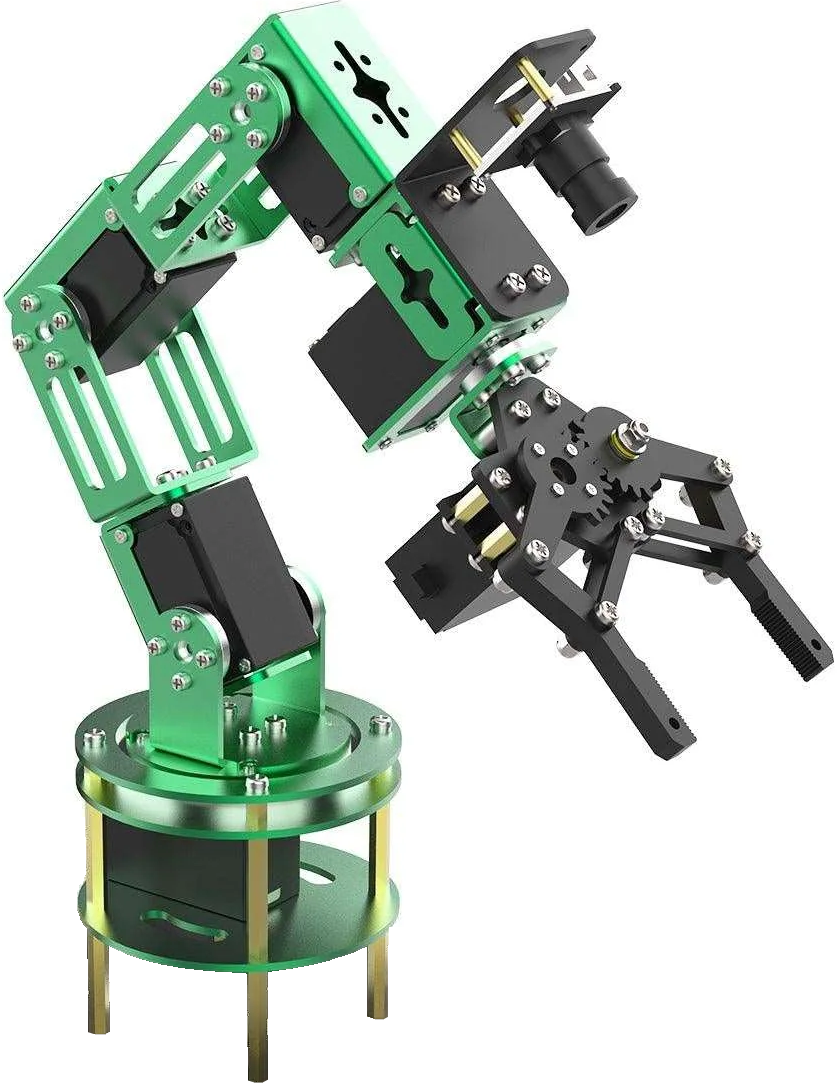
The robotic arm has 6 motors, giving it 6 Degrees of Freedom (DoF), which allows it to reach a
wide range of positions and orientations. The 1st motor controls the base rotation, motors 2, 3
and 4 can bend the arm at different points, the 5th motor controls the gripper rotation, and the
6th motor opens and closes the gripper.
The arm has three different control modes.
- Direct motor control: control each motor individually using the controller. It is not very intuitive, since you need 2 buttons or 1 rocker for each motor (forward and backward movements), for a total of 12 buttons.
- Inverse kinematics: in this mode, you control the position of the gripper (up-down, left-right, forward-backward), and an algorithm calculates the motor movements necessary to reach that position. It is more intuitive to use, and requires fewer buttons (10 instead of 12). That is because the 4 controls for motors 1 to 4 are substituted with controls for the 3 axes of a 3D position in space. Currently, this mode is noticeably slow because the main computer can't complete the computations fast enough. It uses the IKPy library to calculate inverse kinematics.
- Memorized positions: the arm can move between memorized positions. There are 4 buttons on the controller that can be used to memorize and recall positions (they are set with predefined, useful positions that can be overwritten). A long press (2 seconds) memorizes the current position, while a click makes the arm reach the memorized position.
Finally, it is possible to unlock the arm motors with the controller, so that it can be moved manually (for example to memorize a position). The arm is automatically extended forward when you start using it, and folded back when you stop using it. This is done to save space and avoid collisions with the environment.
Forward kinematics
Inverse kinematics
Memorized positions
Computer Vision
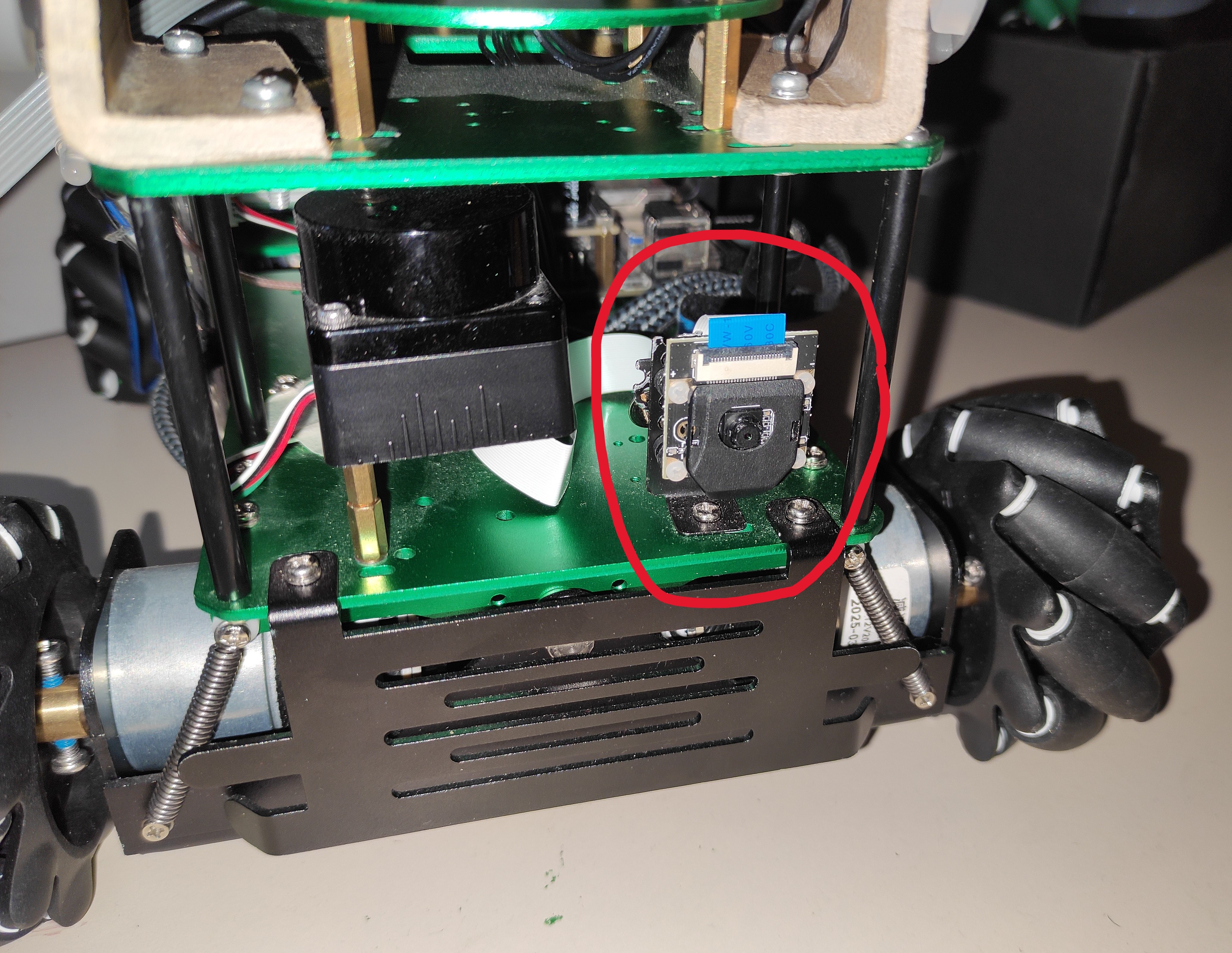
Mantis is equipped with a frontal camera that allows it to see its surroundings and uses YOLO (You Only Look Once) to detect objects in real time. YOLO models can detect about 80 different categories including people, animals, vehicles, tools, toys, electronic devices, etc. It is free and works very well. It is also relatively easy to fine-tune models, so you can customize it to your needs.
On the robot are present four YOLO models (the latest at the time of the development): v11 large for TPU, v11 medium for TPU, v11 small for TPU, v11 small standard. YOLO on the main computer is very slow (about 30 seconds to examine a single image, but it depends on the model dimension). That is why, if it is present, the robot will automatically run the models on the Coral TPU, which is about 10 times faster. It, however, needs the model to be converted to a specific format, that is why three of them are "for TPU". The "standard" model is used automatically if no TPU is found at runtime. Depending on the trade-offs you want to make, you can choose the smaller and faster models, or the larger and more accurate ones. You can also easily add your own models, as long as they are in the correct format.
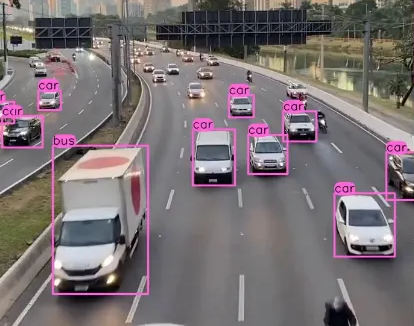
YOLO object recognition example
Autonomous Agent (Vision)
Mantis can autonomously navigate its environment using computer vision (the YOLO models described before). In this mode, the robot uses the camera to search for a specific target (must be chosen among the 80 categories supported by YOLO), and then moves toward it. The search at the moment is a simple rotation of in place, but it can be improved in the future to be more sophisticated.
Note 1: if a 2-color led is properly connected to the GPIO pins, it will stay red while the robot is "thinking" (examining a frame). After each frame it will blink green if the target is found, orange otherwise.
Note 2: if the lidar is connected, the robot measures the distance to the target and stops when it is close enough (about 20 cm), and emits a beep. If the lidar is not connected, it will keep going until it collides with the target, or the target is not recognised anymore (it often happens because it can't fit in the camera images at close distances).
The YOLO model used by the Autonomous Agent can be changed at runtime with the controller: it cycles through the models present in a specific folder, so that you can add and remove models as you wish. The target can also be changed at runtime, by pressing a button on the controller, which cycles through the categories supported by YOLO. For convenience, you can specify a subset of categories in the configuration file, so that you don't have to cycle through all 80 categories.
Search cat (lidar active)
Search cat (lidar inactive)
Autonomous Agent (Sound)
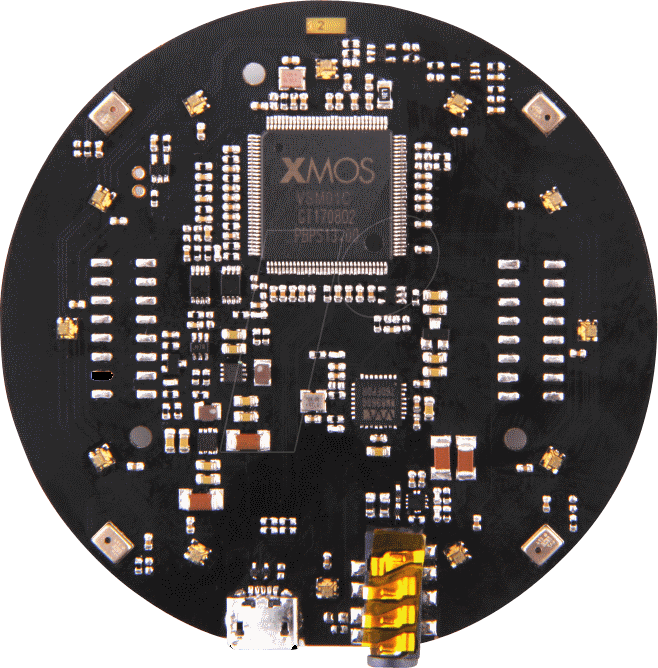
In this mode, the robot autonomously goes toward the nearest sound source. It uses the ReSpeaker Mic Array v2.0 to detect the sound direction, and then moves toward it.
Note: sounds need to be continuous and loud enough to surpass the noise generated by the robot itself. Otherwise, the robot will start following its own motors, making it just spin in place.
Chase sound source
Voice Interaction
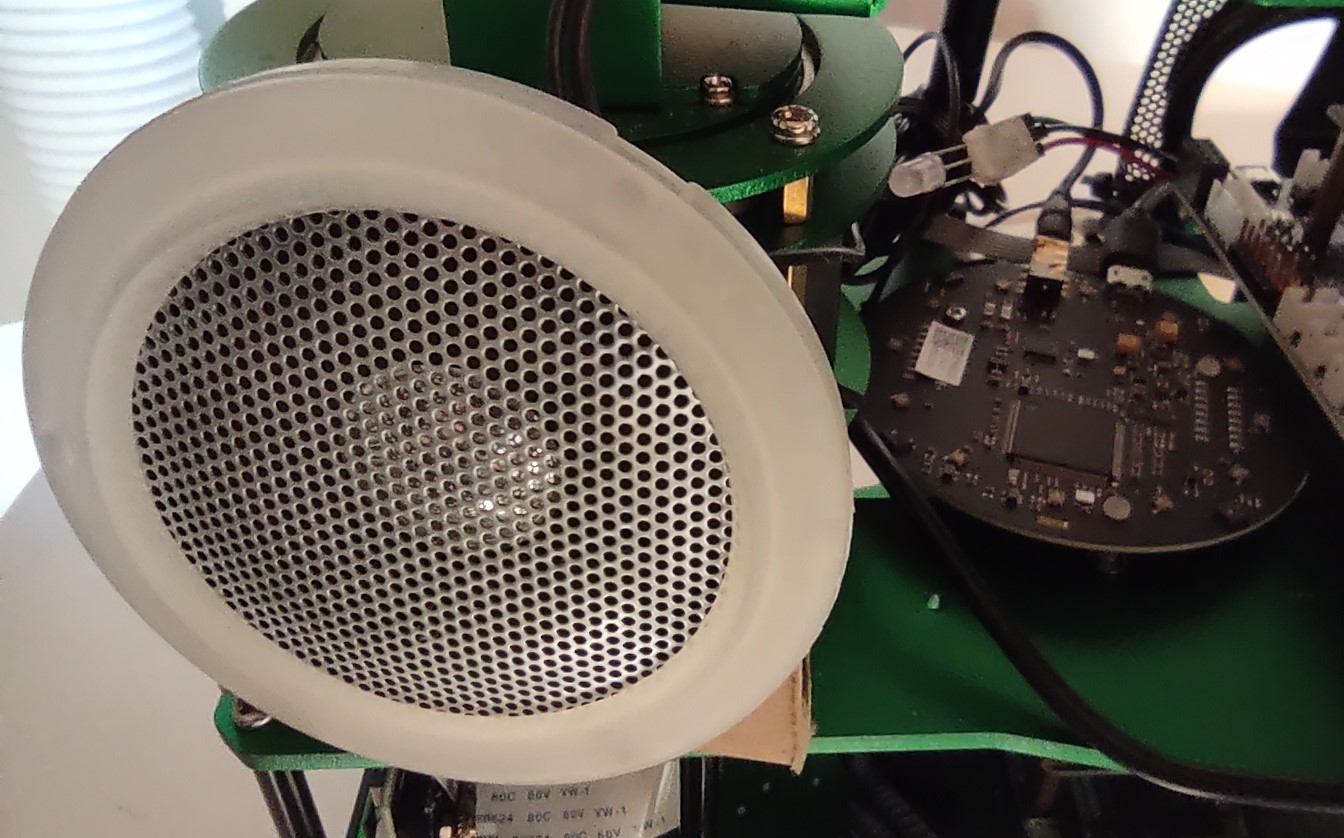
Mantis can interact with the user via spoken commands. It understands natural language (many languages are supported) and can:
- respond through the speakers (often it responds in English unless explicitly asked to do it in a different language).
- execute various robot functions. Es. move the robot (you can specify direction, velocity and duration), move the arm (it uses inverse kinematics to accept intuitive commands), use the arm's camera, sound the buzzer, increase/decrease max speed...
- access the robotic arm's camera to add visual information to the conversation.
It uses the ReSpeaker Mic Array v2.0 to recognize voices and filter out other sounds. The voice interaction is powered by Google's Gemini API. Each time the robot is powered on, it is a new session, but within the session it has memory of the conversation, so you can ask follow-up questions, and it will remember what you said before.
Note 1: in my experience, you need to speak quite loudly for this mode to work well.
Note 2: this capability requires internet connection, since the models are not hosted locally on the robot.
Note 3: you will need to create an account and put your API key on the robot to use this feature. With the free tier, you have a limited number of requests per minute and per day, but it is still usable.
Talk and move
Control arm
Camera interaction
Obstacle Avoidance
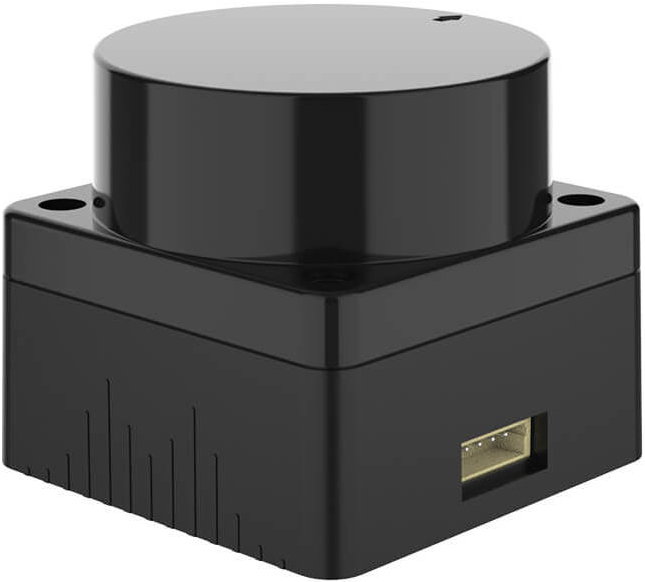
Mantis is equipped with a lidar that allows it to detect obstacles in its path. In
"normal" mode (when the user controls the robot movements), the lidar can be activated.
When it is active, the robot will stop if an obstacle is detected in the direction
of the movement, and will emit a beep.
Irrespective of any obstacles, rotation is always allowed.
Note: The lidar is partially occluded by the robot's own components, so it can only detect obstacles in front of it, and to the sides, but not behind it. For now, when active, it will always block the robot from moving backward, but I plan to change it and always allow the robot to move backward instead.
Obstacle detection
Obstacle avoidance
VR Connection
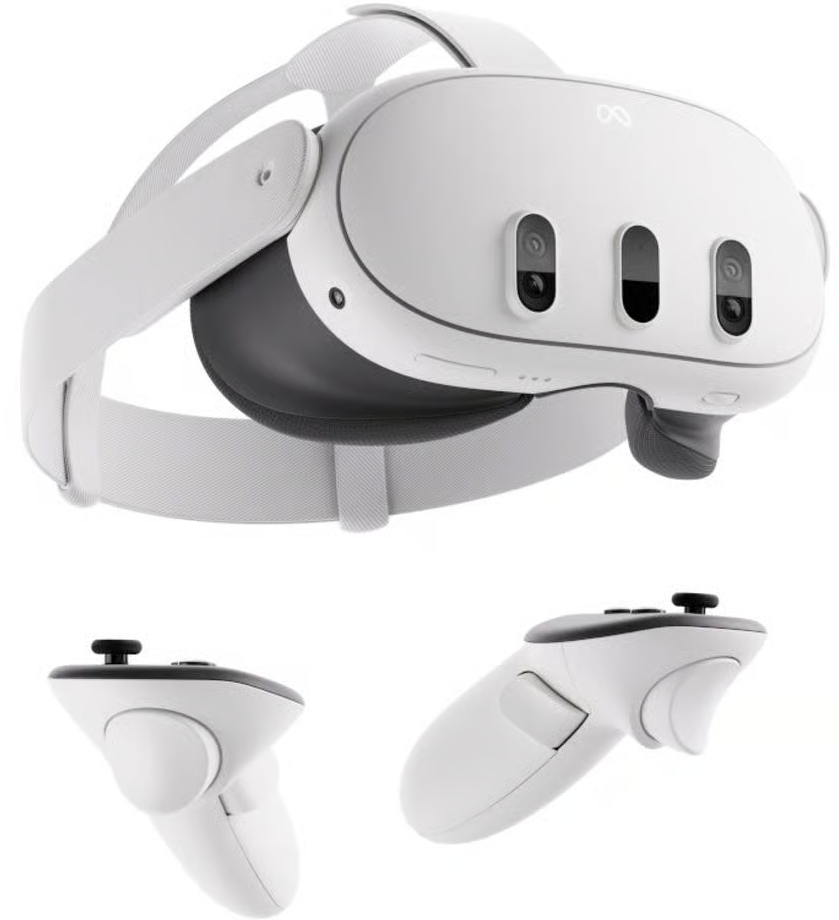
Mantis can be controlled using a VR headset. The connection is made through a custom app that allows you to see through the robot's camera and control its movements using the VR controllers. The communication is done through ROS2 (Robot Operating System 2), over Wi-Fi, or the robot's own hotspot if no Wi-Fi is available. The app is built with Unity and is available on GitHub (the already built apk).
Note 1: I have only tested the app with the Meta Quest 3 headset.
Note 2: the app is relatively old, so support for the arm and other features are not present. For the same reason, some of the libraries (es. VR support for Unity) have probably changed significantly.